

glittercowboy-get-shit-done
🏪MarketplaceA light-weight and powerful meta-prompting, context engineering and spec-driven development system for Claude Code by TÂCHES.
Add this Marketplace
This repo has no plugin marketplace file at its root, so /plugin cannot add it. See the README for how to install it.
About this marketplace
Overview
A meta-prompting and spec-driven development system for Claude Code that solves context rot, quality degradation as Claude fills its context window. Uses context engineering, XML prompt formatting, subagent orchestration, and state management behind a streamlined Plan → Work → Review → Compound workflow.
Key Features
- Spec-driven development: turn feature ideas into detailed implementation plans
- Context engineering to prevent quality degradation in long sessions
- Multi-agent code review before merging changes
- Compound learning: documents learnings to make future work easier
- Works on Mac, Windows, and Linux via npx
Who is this for?
Solo developers and small teams using Claude Code who want a structured workflow without enterprise overhead. Ideal for developers who experience context rot in long coding sessions and want a system that compounds learning across cycles.
Summarized by AI from this repo's README. Suggest a better one
README.md
View on GitHub →GET SHIT DONE
A light-weight and powerful meta-prompting, context engineering and spec-driven development system for Claude Code and OpenCode.
Solves context rot — the quality degradation that happens as Claude fills its context window.





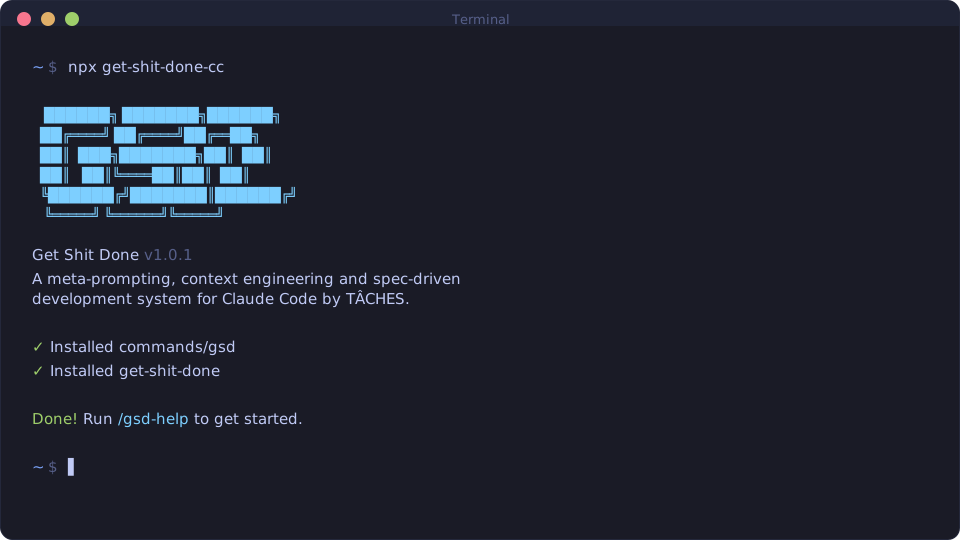
npx get-shit-done-cc
Works on Mac, Windows, and Linux.
"If you know clearly what you want, this WILL build it for you. No bs."
"I've done SpecKit, OpenSpec and Taskmaster — this has produced the best results for me."
"By far the most powerful addition to my Claude Code. Nothing over-engineered. Literally just gets shit done."
Trusted by engineers at Amazon, Google, Shopify, and Webflow.
Why I Built This · How It Works · Commands · Why It Works
Why I Built This
I'm a solo developer. I don't write code — Claude Code does.
Other spec-driven development tools exist; BMAD, Speckit... But they all seem to make things way more complicated than they need to be (sprint ceremonies, story points, stakeholder syncs, retrospectives, Jira workflows) or lack real big picture understanding of what you're building. I'm not a 50-person software company. I don't want to play enterprise theater. I'm just a creative person trying to build great things that work.
So I built GSD. The complexity is in the system, not in your workflow. Behind the scenes: context engineering, XML prompt formatting, subagent orchestration, state management. What you see: a few commands that just work.
The system gives Claude everything it needs to do the work and verify it. I trust the workflow. It just does a good job.
That's what this is. No enterprise roleplay bullshit. Just an incredibly effective system for building cool stuff consistently using Claude Code.
— TÂCHES
Vibecoding has a bad reputation. You describe what you want, AI generates code, and you get inconsistent garbage that falls apart at scale.
GSD fixes that. It's the context engineering layer that makes Claude Code reliable. Describe your idea, let the system extract everything it needs to know, and let Claude Code get to work.
Who This Is For
People who want to describe what they want and have it built correctly — without pretending they're running a 50-person engineering org.
Getting Started
npx get-shit-done-cc
The installer prompts you to choose:
- Runtime — Claude Code, OpenCode, or both
- Location — Global (all projects) or local (current project only)
Verify with /gsd:help inside your Claude Code or OpenCode interface.
Staying Updated
GSD evolves fast. Update periodically:
npx get-shit-done-cc@latest
# Claude Code
npx get-shit-done-cc --claude --global   # Install to ~/.claude/
npx get-shit-done-cc --claude --local    # Install to ./.claude/

# OpenCode (open source, free models)
npx get-shit-done-cc --opencode --global # Install to ~/.opencode/

# Both runtimes
npx get-shit-done-cc --both --global     # Install to both direct